 Play91ClubGame.com

91 Club at a glance
| Sign in with | Phone number (+91) or email |
|---|---|
| Register form | Phone number, set password, confirm password, invite code |
| Password rule | At least 8 characters, letters and numbers |
| OTP box on register | Not on the form |
| Lottery games | Win Go, K3, 5D, Trx Win |
| Who can play | Adults, 18+ |
91 Club login, step by step
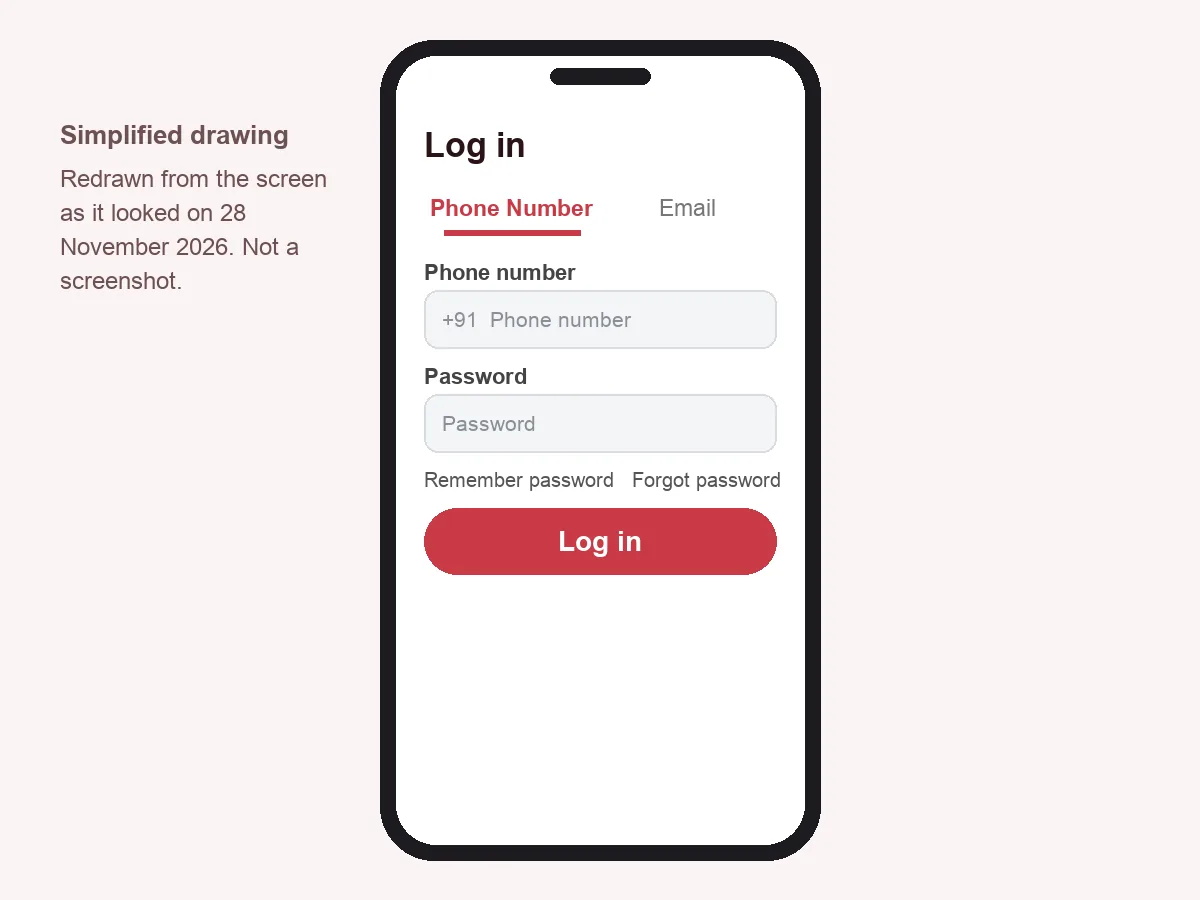
- Tap Login above. The screen is headed "Log in" under the red 91 CLUB wordmark.
- Stay on the Phone Number tab if you joined with your mobile; switch to Email if you joined with an email address.
- The code box already shows +91. Type the rest of your number next to it.
- Enter your password. The eye icon at the end of the box shows what you typed.
- The Log in button stays grey until both boxes are filled; tap it once it turns active.
91 Club register: the four boxes
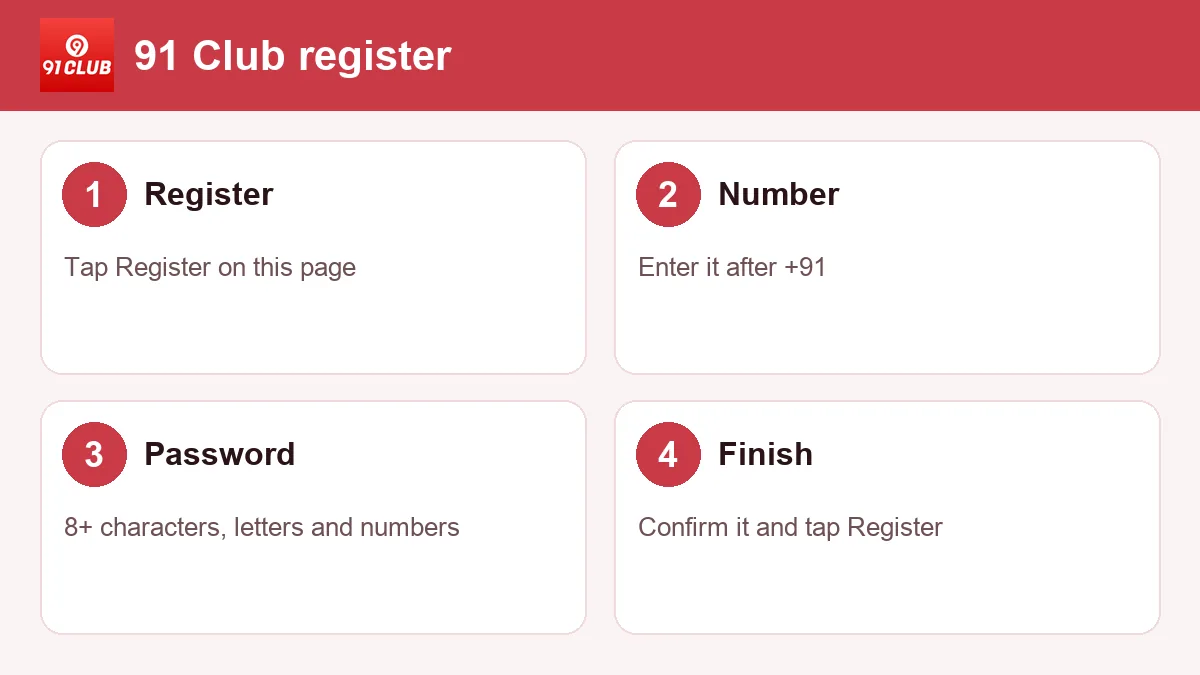
- Phone number: your mobile after the +91 code.
- Set password: the form wants at least 8 characters made of letters and numbers together.
- Confirm password: the same again. If the two differ, the form says they do not match.
- Invite code: already filled when you arrive from this page. It is a referral code.
A "Privacy Agreement" box sits under the form and was ticked by default when we looked. Open the agreement and read it, then tap Register. There was no OTP or SMS code box on this form, so treat any message asking for a sign-up code with care.
When 91 Club login fails
- Grey button. Both the number and the password must be filled before Log in works.
- Number or email? An email account will not open on the Phone Number tab, and the other way round.
- Lost password. The login screen itself says to contact customer service; the round help button sits at the lower right.
- Slow screens. The home screen carries a notice about slow performance and login issues. Reload, or try again on a steadier connection.
- Remember password. Tick it only on a phone nobody else uses.
What the 91 Club lobby shows
Signed out, the home screen already shows Log in and Register at the top, two tiles named Wheel of fortune and VIP privilege, and a category row: Lobby, Mini game, Slots, Card and Fishing.
Further down, a Lottery block holds Win Go, K3, 5D and Trx Win, and a Recommended Games row showed titles such as Chicken Road 2 and Vortex. The bottom bar starts with Home, Activity and Promotion.
Before you play on 91 Club
- Money you deposit on 91 Club can be lost. Play with an amount you can afford to lose.
- Prizes, wheels and banners on the screen are the platform's promotions, not something this site offers or checks.
- Keep your password to yourself, and never pass a code to anyone who messages you.
- Adults aged 18 and over only.
91 Club Login: common questions
Can I log in to 91 Club with email?
Yes. The login screen has an Email tab next to the Phone Number tab.
What password does 91 Club accept?
The register form asks for at least 8 characters that mix letters and numbers.
Do I need an OTP to register on 91 Club?
The register form we saw had no OTP or SMS box: phone number, password twice and the invite code.
I forgot my 91 Club password. What now?
The login screen says to contact customer service. Use its round help button at the lower right.
Which lottery games does 91 Club list?
Win Go, K3, 5D and Trx Win, in the Lottery block of the home screen.
91 क्लब लॉगिन
91 क्लब में लॉगिन करने के लिए ऊपर Login दबाएँ। मोबाइल से बना खाता Phone Number टैब पर और ईमेल वाला खाता Email टैब पर खुलता है; नंबर +91 के बाद लिखें।
नया खाता: मोबाइल नंबर, कम से कम 8 अक्षरों का पासवर्ड (अक्षर और अंक दोनों), वही पासवर्ड दोबारा, और भरा हुआ इनवाइट कोड। इसमें असली पैसा लगता है और नुकसान हो सकता है; केवल 18 वर्ष से अधिक उम्र के लोगों के लिए।
Platform details as seen on 28 November 2026. Updated 28 November 2026.